How to Integrate AI APIs into Your SaaS Product: A Developer's Guide
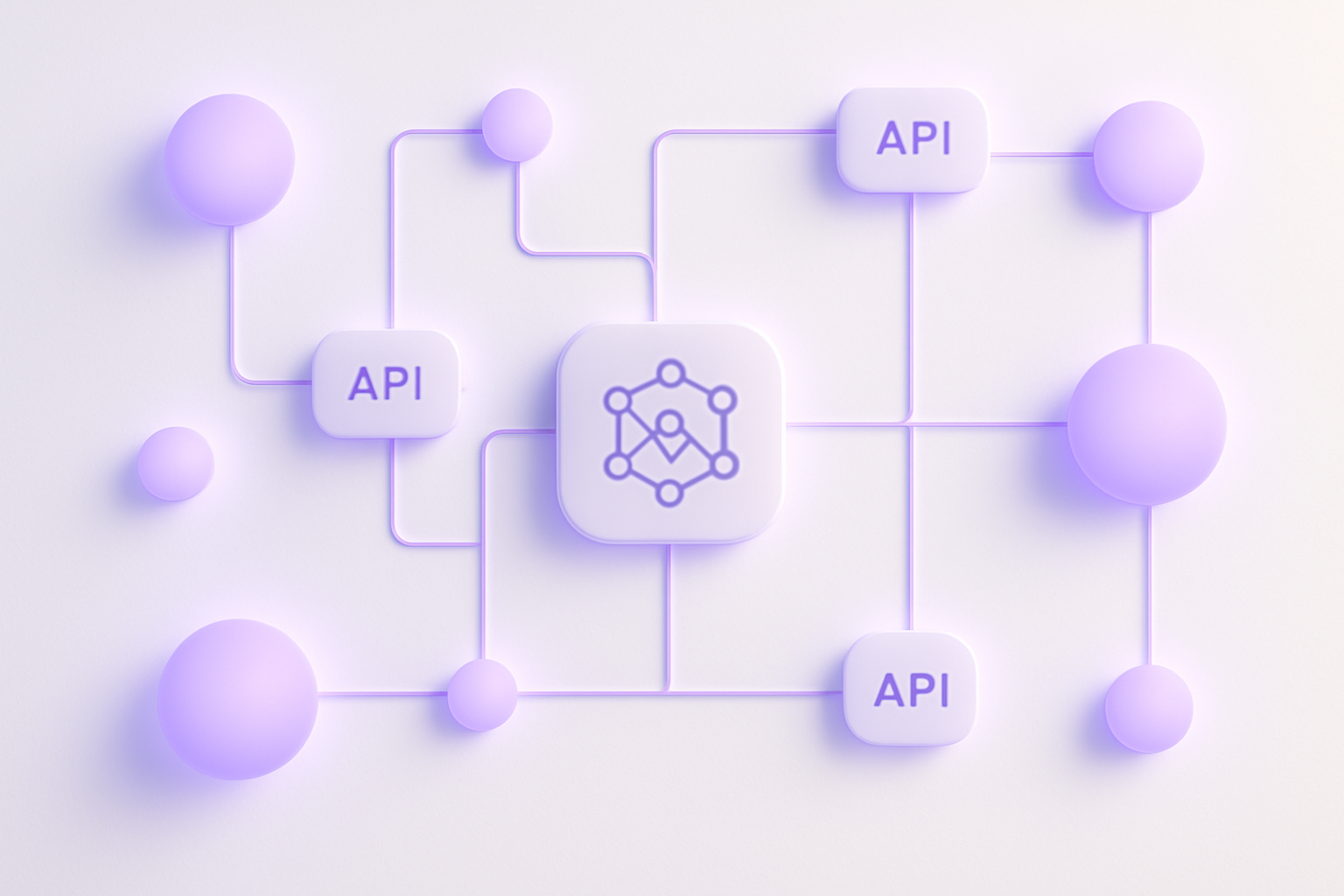
Integrating AI APIs into your SaaS product is no longer a research project — it's a delivery problem. The providers are mature, the documentation is solid, and your competitors are already shipping. What separates teams that move fast from teams that spend three months debugging production incidents is architecture discipline applied before the first API call. This guide skips the hand-waving and walks you through the concrete patterns — auth, queuing, error handling, cost controls, and testing — that make the difference between a prototype and a system you can actually scale.
Why Adding AI APIs to Your SaaS Is Now a Competitive Baseline
According to Gartner, AI features are expected to be a baseline competitive requirement across most SaaS verticals by 2025 — not a differentiator, a floor. The Stack Overflow Developer Survey consistently shows accelerating adoption of AI tools across engineering teams, and that adoption pressure flows directly into product roadmaps. If you're planning to integrate AI APIs into your SaaS product, you're not getting ahead of the curve anymore; you're catching up to where buyers already expect you to be.
The harder truth is that the gap between a working demo and a production-grade integration is where most engineering budgets disappear. Prototypes are easy — OpenAI's quickstart is genuinely excellent. What's not documented in any quickstart is per-tenant cost tracking, graceful provider failover, prompt versioning, or queue-based job architecture. Those gaps cost real money to retrofit.
This guide covers OpenAI, Anthropic, and provider-agnostic patterns, so the architecture you build won't collapse the moment you need to swap models or add a second provider. We treat you like the senior engineer you are: specific implementation decisions, not marketing copy about "the power of AI."
Choosing the Right AI API Provider for Your SaaS Use Case
Start with your use case, not the hype cycle. Text generation, classification, semantic search, image analysis, and audio transcription each have a different optimal provider. Picking the wrong one and then migrating under load is a problem worth avoiding upfront.
For general-purpose language tasks — summarization, drafting, extraction, conversational features — OpenAI's GPT-4o and Anthropic's Claude 3.5 Sonnet are the current leaders. Before committing, compare their context windows, per-token pricing at your expected volume, and throughput rate limits. For embeddings and semantic search, OpenAI's text-embedding-3-small and Cohere Embed v3 both offer strong cost-to-performance ratios at scale.
Compliance and Data Residency
If you're selling to enterprise buyers with GDPR or HIPAA requirements, provider choice becomes a compliance decision, not just a performance one. Azure OpenAI Service gives you GPT model access within a regional cloud boundary, which satisfies data residency requirements that the standard OpenAI API cannot. Evaluate provider SLAs and uptime history before you're negotiating a contract renewal under pressure.
Build the Abstraction Layer on Day One
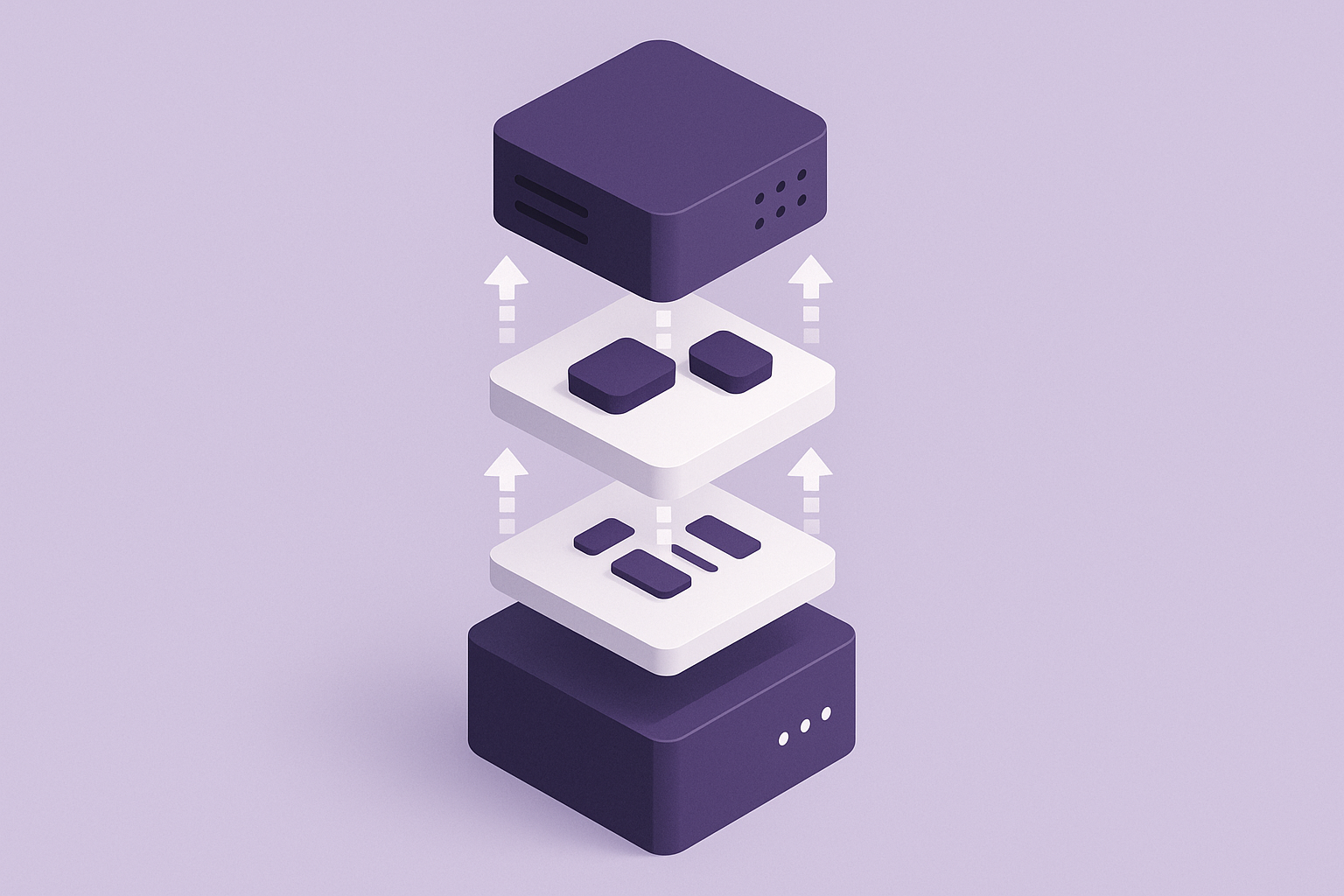
The single most important architectural decision you'll make is abstracting your AI provider behind your own service layer — before you write your first prompt. Swapping models later is painful when the API client is scattered across thirty files.
Define a clean internal interface: generateCompletion(params), getEmbedding(text), classifyContent(input). Your application code calls those functions; only the AI service module talks to the provider SDK. This lets you run A/B tests across providers, handle failover, and migrate models without touching core product logic.

Architecting Your AI API Integration for Scale and Reliability
Routing AI API calls directly from your frontend is not a pattern you want anywhere near a production system. You're exposing your API keys, you can't enforce per-user rate limits, and you have no visibility into what's being sent to the provider. All AI requests go through your backend. Non-negotiable.
For any AI task that takes more than a second or two, use a queue. BullMQ on Redis, Amazon SQS, or your platform's native job queue all work. The user submits a job, your backend enqueues it, a worker processes it asynchronously, and the client polls or receives a webhook when the result is ready. This pattern decouples your user-facing latency from model inference time and gives you horizontal scaling for free.
Idempotency, Caching, and Schema Design
Implement idempotency keys on every AI job submission. When a network timeout causes a client retry, you do not want to run the same completion twice and bill the user (or yourself) for duplicate tokens. A UUID keyed to the job's source data is enough.
Cache AI responses wherever the inputs are deterministic. Classifying a static product category, embedding a document that hasn't changed, summarizing a fixed piece of content — all of these can be cached in Redis with an appropriate TTL. A McKinsey analysis of AI-enabled software teams found that systematic caching and output reuse can reduce inference costs by 30–50% at scale without any user-facing quality degradation.
Store raw model outputs in your database alongside parsed results. You will need them for debugging when something breaks, for building fine-tuning datasets later, and for audit trails when an enterprise customer asks why their data produced a given output.
Implementing Authentication, Rate Limiting, and Cost Controls
Your API keys live in a secrets manager — AWS Secrets Manager, HashiCorp Vault, or environment-level secrets in Vercel or Railway. They are never hardcoded, never committed to version control, and never logged. Treat a leaked AI provider key the same way you'd treat a leaked database credential: immediate rotation, incident review, and a post-mortem.
Per-user rate limiting belongs at your API gateway layer, enforced before requests reach the AI provider. A single buggy client script or a bad actor can exhaust your monthly budget in hours if you're not throttling at the application level. Set provider-level budget caps as well — both OpenAI and Anthropic support hard spend limits — but treat those as emergency circuit breakers, not your primary control.
Tenant-Level Usage Tracking
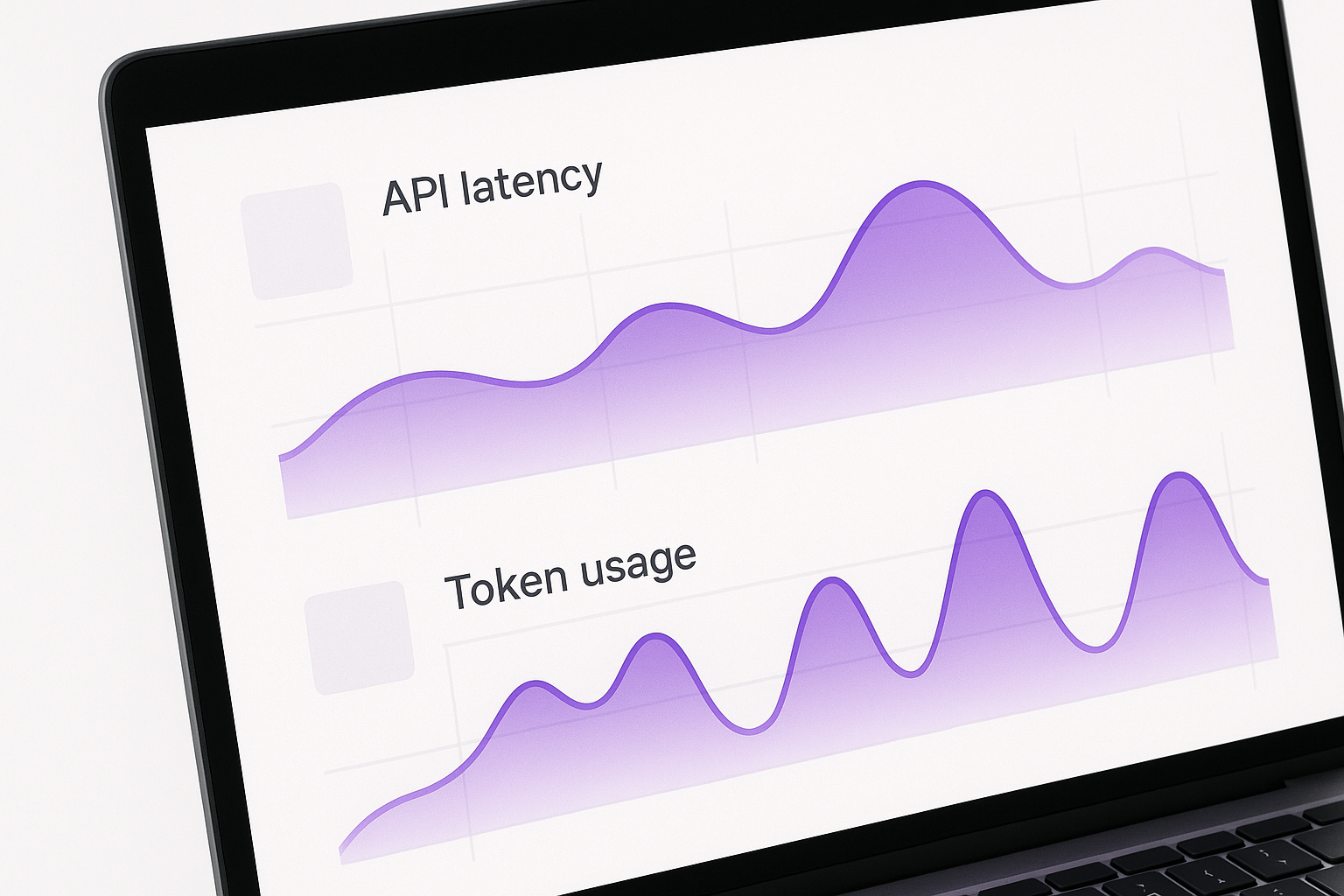
Track token usage per tenant in your database from the first request. Log the model name, prompt token count, completion token count, and request latency on every call. This data serves three purposes: it's the foundation for usage-based billing, it lets you spot anomalies before they become invoices, and it gives you the input data you need to optimize costs as usage scales.
SaaS Capital benchmarks show that AI inference costs can compress gross margins by 8–15 percentage points if not accounted for in pricing tiers. Your pricing model needs to reflect AI inference margins from day one, which means per-tenant cost visibility is a business-critical requirement, not an engineering nice-to-have.
For premium tiers in a multi-tenant SaaS, consider letting customers supply their own API keys. It reduces your infrastructure cost at scale and is often a compliance requirement for enterprise customers who want their data routed through their own provider account.
Need senior engineers to ship your AI API integration the right way?
Handling Streaming, Errors, and Edge Cases in Production
Streaming transforms the perceived performance of text generation features. With Server-Sent Events or chunked transfer encoding, users see tokens appearing in real time rather than staring at a spinner for three seconds. The implementation adds complexity — you need to handle partial responses and stream interruptions — but the UX improvement is significant enough that it's worth the engineering cost for any user-facing generation feature.
Exponential backoff with jitter is the correct response to 429 rate-limit errors and 5xx provider errors. These are not exceptional conditions at production scale — they're expected behavior that your integration must handle gracefully. A naive implementation that throws an unhandled exception on a 429 will surface as a product outage every time a provider has a degraded period.
Fallback Strategies and Output Validation
Define your fallback hierarchy before you ship. A provider outage should trigger a cascade: try the primary model, fall back to a cached response if available, degrade to a simpler cheaper model, and if none of those work, surface a clear user-facing message. What should never happen is a provider outage causing an unhandled 500 that breaks unrelated product functionality.
Validate and sanitize every model output before it touches your database or gets rendered to a user. LLMs return malformed JSON, unexpected schemas, off-topic content, and edge-case formatting regularly enough that treating their outputs as untrusted input — the same way you'd treat any external API response — is the correct engineering posture.
Implement prompt versioning in your codebase. Each prompt is a versioned artifact with a name and version identifier. A/B testing a prompt change or rolling back a regression should not require a code deployment.
Testing and Evaluating AI Features Before You Ship
Testing AI integrations requires separating concerns more carefully than most teams do by default. Your prompt-formatting logic and output parsers are deterministic code — test them with unit tests and recorded fixture responses. Fast, free, and runnable in CI without burning tokens on every push.
Your integration with the actual provider belongs in a staging environment with a dedicated low-budget API key and strict token caps. Run integration tests there, not in production, and gate deployments on those tests passing. This catches provider API contract changes before they reach users.
Eval Harnesses and Production Monitoring
Build a lightweight eval harness that scores model outputs against a golden dataset before any prompt or model change goes to production. It doesn't need to be sophisticated — a spreadsheet of 50 representative inputs with expected outputs and a scoring script is enough to catch regressions. Tools like Braintrust or LangSmith can formalize this, but the golden dataset is what matters most.
In production, sample a percentage of full prompt and completion pairs for qualitative review. Technical metrics — latency, error rate, token counts — tell you if the system is functioning. User-facing quality signals — thumbs up/down ratings, edit rates on AI-generated content, task completion rates — tell you if the feature is actually working. Both sets of metrics are required to understand whether your AI integration is delivering value.
Next Steps: Shipping Production-Ready AI Features Without the Trial-and-Error
The fastest path to a reliable AI integration is starting with a single, high-value use case tied to a specific user job-to-be-done. Not "add AI to the product" — "let users generate a first-draft email from a set of structured inputs." Concrete scope produces concrete architecture decisions.
Build the abstraction layer, secrets management, and per-tenant cost tracking before you write your first production prompt. Retrofitting these onto a codebase where AI calls are scattered and costs are invisible is expensive — SaaS Capital benchmarks and real-world Series B engineering audits consistently surface this as one of the most common architectural debts in AI-enabled SaaS products.
If your current team lacks engineers with production AI integration experience, bringing in specialists now is cheaper than fixing architectural debt when you're at scale and under investor pressure. You can explore the AI automation services we ship for SaaS teams, read more about how we approach full-stack SaaS development, or see how we've built AI-powered products for clients to get a sense of what production-ready looks like in practice.
Every pattern in this guide is a checklist item for your next sprint. Architecture decisions compound — the right ones buy you months of clean velocity; the wrong ones cost you weeks of incident response. Get a same-week scoping call for your integration and we'll tell you exactly where your current approach is solid and where the risks are hiding.
Frequently asked questions
How do I integrate AI APIs into my SaaS product without exposing my API keys?
Always route AI API calls through your own backend server — never call providers like OpenAI or Anthropic directly from frontend code. Store keys in a secrets manager such as AWS Secrets Manager or environment-level secrets in your deployment platform, and scope each key to the minimum necessary permissions.
What is the best AI API for SaaS products in 2025?
There's no single best answer — it depends on your use case. OpenAI's GPT-4o and Anthropic's Claude 3.5 Sonnet lead for general language tasks, while Cohere and OpenAI's embedding models are strong for semantic search. To integrate AI APIs into your SaaS product sustainably, build a provider abstraction layer so you can switch or combine providers as the landscape evolves.
How much does it cost to add AI API features to a SaaS product?
Costs vary significantly by provider, model, and usage volume — expect to pay between $0.15 and $15 per million tokens depending on the model tier you choose. When you integrate AI APIs into your SaaS product at scale, token costs compound quickly, so you need per-user usage tracking and pricing tiers that account for your AI inference margins from day one.
How do I handle AI API rate limits and downtime in a production SaaS app?
Implement exponential backoff with jitter for rate-limit (429) and server error (5xx) responses, and queue long-running AI tasks asynchronously so user sessions aren't blocked. Define a clear fallback strategy — cached responses, a simpler model, or a graceful degradation message — so a provider outage never cascades into a full product outage.
How do I test AI API integrations before shipping to production?
Separate your testing concerns: unit test prompt-formatting and output-parsing logic using recorded fixture responses, and run integration tests against real provider APIs in a staging environment with strict budget caps. Build a lightweight eval harness that scores model outputs against a golden dataset before any prompt or model change ships to users.