Machine Learning Model Integration in Web Apps: A Practical Guide
Machine learning model integration in web apps is where most AI projects quietly die. Not in the research phase, not in model training, but in the six-foot gap between a working Jupyter notebook and a production inference layer that can handle real traffic, recover from errors, and not block your UI while it thinks. If you've shipped a prototype that works on your laptop and are now staring at the question of how to wire it into an actual web product, this guide is written for you.
Why Machine Learning Model Integration in Web Apps Keeps Getting Abandoned Mid-Build
The gap between a trained model and a deployed feature is bigger than most engineering teams expect when they start. A notebook that produces accurate predictions is not a service. It has no HTTP interface, no versioning, no error handling, and no way for your web application to actually call it. That realisation, usually arriving somewhere between week two and week four of a build, is where projects stall.
ML models trained in Python need to be exposed via stable APIs, version-controlled so you can roll back without a redeploy, and monitored so you know when their accuracy starts drifting. None of that is handled by the model itself. Someone has to build that layer, and if nobody planned for it at the start, you end up with brittle glue code stitched together under deadline pressure.
The business logic layer is where the worst decisions get made. Your web application needs to talk to something predictable, with a contract it can rely on. Without that contract defined early, teams hardcode model paths, skip fallback handling, and build synchronous inference calls that block the entire UI while a model loads. These are the decisions that get ripped out six months later at significant cost.
Common failure modes are predictable once you've seen them: synchronous inference with no timeout, no fallback when the model returns a low-confidence output, and no separation between the model's preprocessing logic and the application's input handling. Each of these looks minor in isolation. Together, they make the integration unmaintainable.
The Stakes: What Production ML Integration Actually Unlocks for a Web Business
When machine learning model integration in web apps is done correctly, it adds a layer of intelligence that compounds over time. Every user interaction generates signal. The system gets better as it gets used. That is qualitatively different from any static feature you can ship.
A McKinsey Global Institute analysis found that companies embedding AI directly into core workflows report significantly higher productivity gains than those using standalone AI tools bolted on at the edges. The distinction matters. An ML model sitting in a separate dashboard that someone has to remember to check is a feature. An ML model wired into the flow of your product, surfacing predictions at the exact moment a decision needs to be made, is infrastructure.
The competitive moat is not access to models. It is the architecture that connects those models to live user behaviour and business data.
SaaS platforms with embedded ML can automate lead qualification through services like AI Lead Qualification & CRM Automation, surface personalised recommendations, and detect anomalies without adding headcount. Teams that ship these capabilities early build proprietary data flywheels. Those that delay are catching up with smaller, less representative training sets.
The Core Architecture: A Framework for ML Model Integration in Web Apps
Separate the Model From the Application
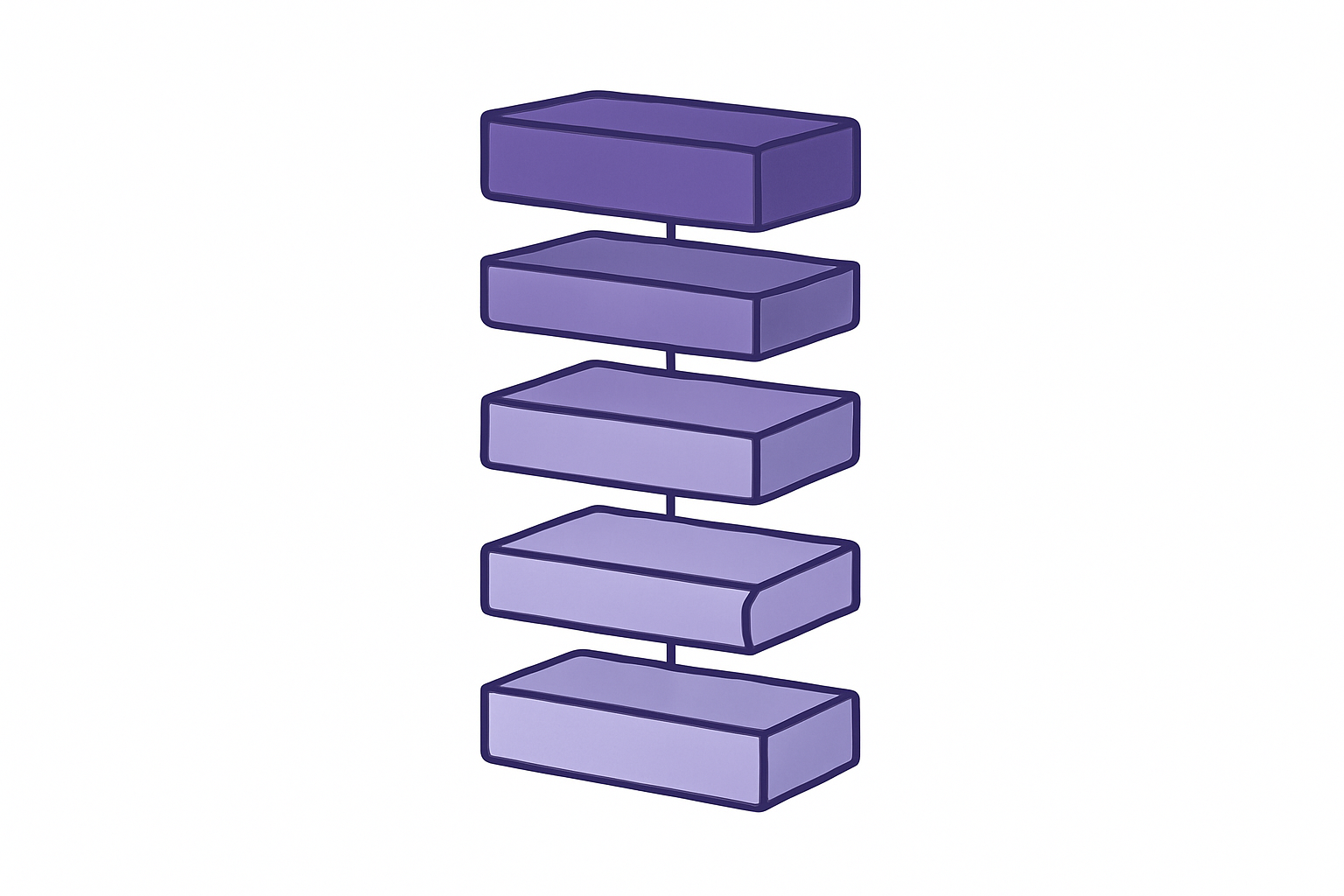
Your web application should never import a model file directly. It should call an inference service over HTTP or gRPC and receive a structured response. This is the single most important architectural decision you will make, and it is the one most frequently skipped in early builds.
Use a dedicated model-serving framework. TorchServe and TensorFlow Serving are purpose-built for this. A containerised FastAPI endpoint is lighter weight and more flexible for custom architectures. Any of the three works in production; the choice depends on your model framework and team familiarity.
Build the Feature Pipeline as a Separate Layer
Between your web app's raw user input and the model's expected feature vector, there is a transformation layer. This is where most bugs live in production ML systems. The Google MLOps Whitepaper identifies training-serving skew, which happens when preprocessing logic in the notebook diverges from the preprocessing logic in the API, as the most common source of silent degradation in deployed ML systems.
Build this preprocessing as an explicit service with its own tests, its own deployment, and its own contract. Do not duplicate it across your notebook and your API and hope they stay in sync.
Async Inference and Model Versioning
For anything that takes more than a few hundred milliseconds, implement an async inference pattern. The frontend fires the prediction request, the backend queues it, and a webhook or polling loop delivers the result without blocking the UI thread.
Version your models using a registry: MLflow, Weights & Biases, and SageMaker Model Registry are all practical choices. The goal is instant rollback without touching application code. Pair that with strict input/output schemas at the API boundary so any breaking change in a retrained model fails loudly at the contract level, not silently in the user interface.
Implementation Patterns That Work in Real B2B Web Applications
Pattern 1: Synchronous Classification API
A user submits a form, the backend calls the inference endpoint with a defined timeout, and the result comes back inline. This works for lead scoring and content classification where you can reliably get a response in under 300ms. It's the simplest pattern to implement and the right default for most classification tasks.
Pattern 2: Async Batch Prediction
Nightly or triggered jobs run predictions over a dataset and write results to a database table. The web app reads from that table at query time. This is the right approach for demand forecasting, churn modelling, and report generation where real-time prediction adds no value.
Pattern 3: Streaming Inference via WebSockets
The frontend opens a persistent connection and the model streams partial outputs as they're generated. You want this for conversational AI interfaces and document analysis features where showing partial results improves perceived performance dramatically.
Pattern 4: Edge Inference with ONNX or TensorFlow.js
The model is exported to ONNX or JavaScript format and runs directly in the browser. This is appropriate only for small models where privacy constraints or latency requirements outweigh the accuracy trade-offs. It's the right answer for a specific set of problems, not a general-purpose approach.
For most B2B SaaS teams, Pattern 1 combined with Pattern 2 covers the majority of real use cases without over-engineering the stack. Every inference call should be instrumented with latency tracking, input logging with PII redaction, and a confidence score stored alongside the prediction result.

Need a Custom AI Agent Built Around Your Stack and Business Logic?
The Six Pitfalls That Sink ML Integration Projects Before They Go Live
Training-Serving Skew
The preprocessing logic in your notebook diverges from the preprocessing logic in your API. Predictions in production were never tested with the actual transformation path the data travels at inference time. The model performs beautifully in evaluation and produces degraded outputs in production, and the discrepancy is invisible at the infrastructure level.
No Model Monitoring
A deployed model produces no infrastructure errors while its accuracy degrades silently. Real-world data drifts away from the training distribution over weeks and months. The Weights & Biases ML Practitioner Survey documents widespread prevalence of this exact failure mode, with a significant portion of teams having no monitoring in place at all beyond uptime checks.
Without monitoring hooks that track confidence score distributions and output stability over time, you have no signal until users start complaining about wrong answers.
Cold Start Latency
Containerised models that spin down under low load introduce 10 to 30 second cold starts when the first request arrives after a quiet period. This destroys UX in ways that are hard to debug. Keep at least one warm instance running for any model serving user-facing features.
Missing Fallback Logic
When the model returns a low-confidence or null result, the web app needs a deterministic fallback: a rule-based path, a cached prior result, or a designed empty state. Applications with no fallback surface broken experiences the moment the model is uncertain. This is not an edge case. It happens.
Hardcoded Model Versions in Application Code
When you retrain, you have to redeploy the entire web application. Use environment variables or a model registry lookup to resolve the active model version at runtime. This is a five-minute architecture decision that saves hours of coordinated deployment work every time the model updates.
Ignoring Explainability Requirements
B2B buyers in finance, healthcare, and insurance often need to understand why a prediction was made before they act on it. SHAP values or LIME outputs should be surfaced at the API boundary from day one. Retrofitting explainability into a production inference pipeline is significantly more expensive than building it in at the start.
How GroovyMark WebX Builds Machine Learning Integration That Stays in Production
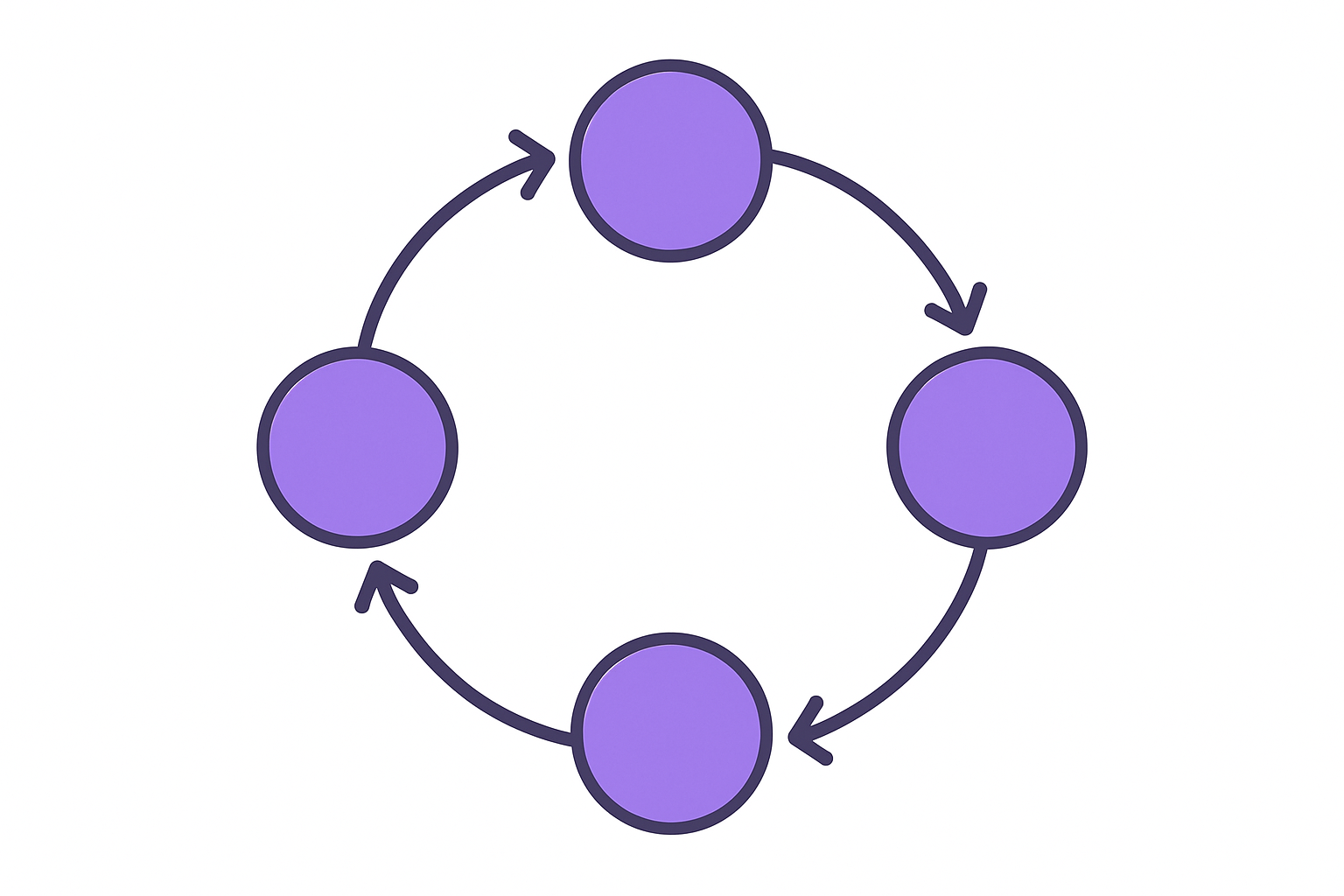
At GroovyMark WebX, we design the full stack around your ML use case from the beginning. That means the inference API contract, the backend integration layer, the feature preprocessing pipeline, and the UI components that surface model outputs to your users. Nothing is assumed. Everything is specified.
Every Custom AI Agent Development engagement we deliver is built with versioned model registries, async inference patterns, and schema-validated prediction contracts. Your team can retrain the model without touching the web application. That's the goal, and it's achievable from the first build if the architecture is right.
We handle the parts most development teams skip: feature pipelines, confidence thresholds, monitoring hooks, and the fallback logic that keeps the product working when the model is uncertain. These are not optional additions. They are the difference between an ML integration that stays in production and one that gets quietly disabled after the first incident.
Our senior-only team has shipped ML-integrated platforms for SaaS companies, digital agencies, and service businesses across Australia, the USA, the UK, Canada, and New Zealand. We don't bolt AI onto an existing product as an afterthought. We design the data flows and API contracts from session one so the integration is load-tested, documented, and maintainable by whoever comes after us.
You can see how we have built this for clients across a range of industries and use cases. If you're planning to add machine learning model integration to your web app and want those architecture decisions made by engineers who have already solved these problems at scale, talk to the GroovyMark WebX team.
The patterns covered in this guide represent the minimum viable architecture for production ML in a web product. Start with a clear inference service boundary, a feature pipeline you can test independently, and async patterns for anything heavier than a simple classification call. Get those three things right and the rest of the integration is solvable. Skip them and you'll rebuild from scratch before you reach your first meaningful traffic milestone.
GroovyMark WebX exists for exactly this kind of build. If you're at the point where the notebook works and the question is how to make it a product, that's where we start.
Ready to Move Your ML Model From Notebook to Production Web App?
Frequently asked questions
How do you integrate a machine learning model into a web application?
You expose the model through a dedicated inference service — typically a containerised FastAPI or Flask endpoint — and call it from your web application's backend via HTTP or gRPC. The web app never imports model files directly; it sends a structured request and receives a structured prediction response. GroovyMark WebX designs this full integration layer, including schema validation, async patterns, and fallback logic, so the connection is production-grade from day one.
What is the best architecture for serving ML models in production web apps?
The most reliable architecture separates the model serving layer, the feature preprocessing layer, and the application logic layer into distinct services with versioned contracts between them. This prevents training-serving skew and allows independent retraining without redeploying the web app. At GroovyMark WebX, our Custom AI Agent Development service is built on exactly this architecture — every inference call is schema-validated, monitored, and version-pinned.
Why do ML integration projects fail after initial deployment?
The most common cause is silent model degradation — the infrastructure stays healthy but predictions drift as real-world data moves away from the training distribution. Without monitoring hooks that track confidence scores and output distributions over time, teams have no signal until users start complaining. A second major cause is the absence of fallback logic, which causes the web app to surface broken or empty states whenever the model is uncertain.
Should ML inference be synchronous or asynchronous in a web app?
It depends on the latency of the model and the UX contract you are setting with the user. For models that respond in under 300ms, synchronous inline prediction is fine. For anything heavier — document analysis, complex recommendation models, or large language model calls — asynchronous queuing with a polling or webhook delivery pattern is the right choice. GroovyMark WebX evaluates this decision during architecture scoping so the pattern fits both the model and the user experience you are designing.
How much does it cost to integrate a machine learning model into a web platform?
Cost is driven by three variables: the complexity of the inference pipeline, whether the model is pre-trained or custom-trained, and how much of the surrounding application needs to be built or refactored. Teams that talk to the GroovyMark WebX team early get a scoped estimate that separates the model serving layer from the application integration work — which almost always reveals where the real engineering effort is hiding and prevents budget overruns mid-project.